Instant Browser Access
No app download needed. Sign in from any modern browser on desktop, Android or iPhone and reach the full Nomini lobby immediately.
Login at Nomini Casino: Account Verification (KYC)
Access your account, claim bonuses and play 9,410+ games from any browser on desktop or mobile.
Keep Your Account Secure
What You Should Do
What You Should Avoid
Your Account, Your Way
Instant Browser Access
No app download needed. Sign in from any modern browser on desktop, Android or iPhone and reach the full Nomini lobby immediately.
Secure Login
Every session runs over SSL/TLS encryption. Your login credentials and personal information are protected from the moment you connect.
Mobile-Ready
The sign-in page is fully optimised for touchscreens. Android users can use Chrome or Firefox; iPhone and iPad users log in via Safari.
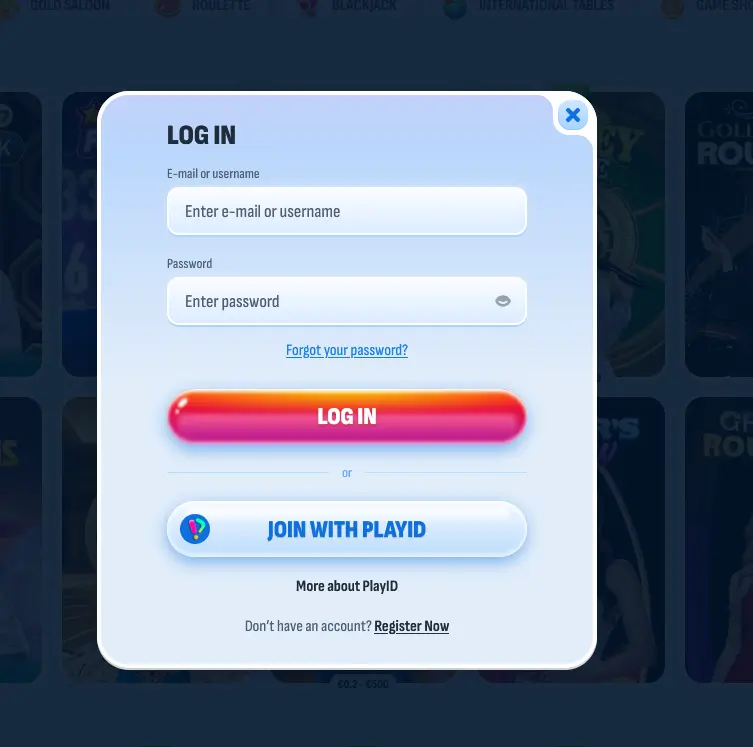
Signing in to your Nomini account takes under a minute, whether you are on a desktop computer, a tablet or a smartphone. The process is identical across all devices – enter your registered email address and password on the sign-in page, then confirm to reach the lobby.
Open any modern browser such as Chrome, Firefox or Edge and navigate to the Nomini site. Click the login button in the top right corner of the homepage. Enter your registered email address in the first field and your password in the second, then click sign in. If you have a pending bonus, the promotions tab will highlight it immediately after you land on the lobby page.
The login page is fully touch-optimised and does not require any installed application. Android users open Chrome or Firefox and navigate to the Nomini site directly. iPhone and iPad users access the same experience through Safari. The sign-in fields, keyboard and submit button all scale correctly to smaller screens, and the process is the same as on desktop.
Nomini does not offer a native Android or iOS application, and no APK file is available for download. All account access, including sign-in, is handled through the mobile browser. This means there is nothing to install, update or store on your device.
Nomini supports login by registered email address combined with a password. There is no social login (Google, Facebook or Apple) and no phone-number-based authentication confirmed at this time. When you registered, you provided an email address that now serves as your permanent username. If you changed that email since registering, use the updated address.
A password reset link is available from the sign-in page for players who have forgotten their credentials. The link is sent to the registered email address and expires after a short window, so use it promptly. If the reset email does not appear within a few minutes, check the spam or junk folder before requesting another.
Protecting your Nomini account starts with a few simple habits that significantly reduce the risk of unauthorised access. Every session at Nomini runs over SSL/TLS encryption, meaning your credentials travel to the server in encrypted form. That covers the technical side, but the behavioural side is equally important.
Use a password that is unique to this account and is not shared with any other service. A longer passphrase combining random words is both memorable and more resistant to guessing attacks than short character strings. If you use a password manager, Nomini’s login form is compatible with all major managers on desktop and mobile.
Always log out when you finish a session, particularly on shared computers, hotel business centres or any device that is not personally yours. Nomini’s session monitoring flags unusual login patterns, and accounts that trigger repeated alerts may be placed under a brief manual review. Keeping your registered email address current is also important: it is the only recovery route if you lose access.
For persistent access issues, contact support via live chat at any time or email [email protected] for a written record of the interaction.
Login problems at Nomini typically fall into a small number of categories, each with a straightforward fix.
The most common issue is a mistyped password. If your first attempt fails, use the show-password option in the input field to confirm what you have entered before trying again. After several failed attempts in succession, the account is temporarily locked as a security measure; contacting live chat is the fastest way to unlock it.
A second common scenario is a forgotten email address. If you registered with a work email or an alias, try those addresses in the email field. Nomini cannot look up accounts by name alone, so the registered email is essential.
Accounts can also appear inaccessible if the registered email has not been confirmed. Check your inbox and spam folder for the original confirmation message sent at registration; clicking the link in that email activates the account.
Players who travel or use VPN services may encounter access checks triggered by unusual session geography. If you are connecting from a different country or through a VPN, try disabling the VPN first. For persistent access blocks, live chat can clarify whether the account is under a temporary hold and what is needed to resolve it.
If a login issue is linked to a payment or verification query, emailing [email protected] gives you a documented thread that the team can reference when reviewing the account.
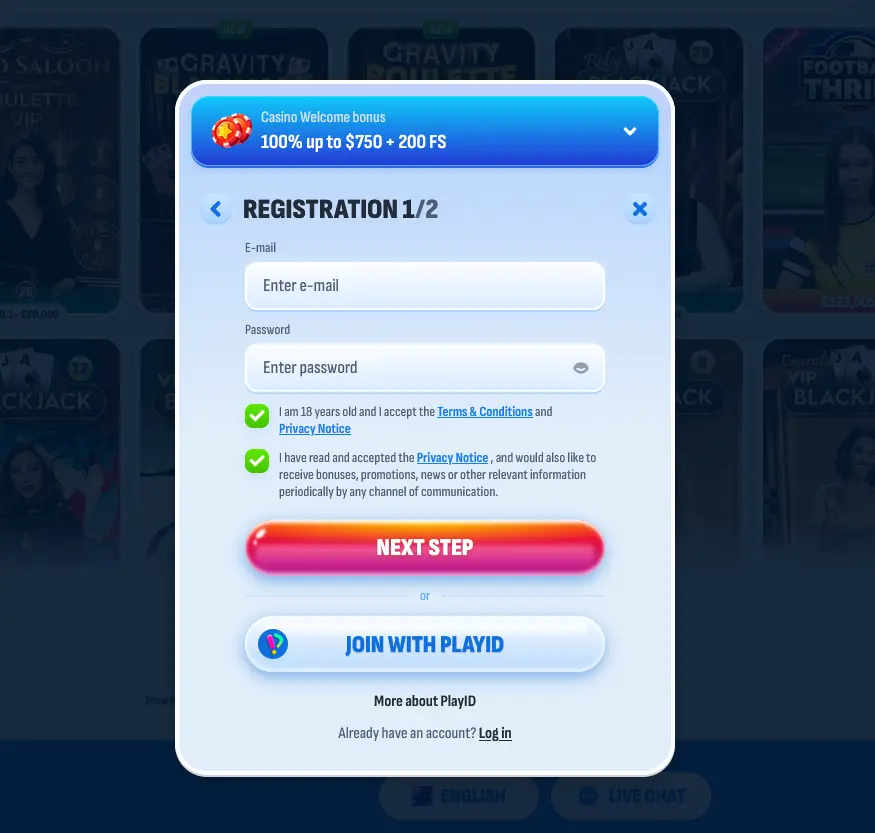
New players can open a Nomini account directly from the homepage. Registration requires an email address, a password, a choice of account currency (AUD is recommended for Australian players) and basic personal details. After submitting the form, a confirmation link is sent to the email address provided; clicking it activates the account immediately, and the first deposit can be made straight away. Registration is open to adults aged 18 and over.
Login Questions Answered
Click the forgotten password link on the sign-in page, enter your registered email address and a reset link will arrive within a few minutes. Check your spam folder if it does not appear in your inbox.
The platform locks accounts temporarily after repeated failed login attempts to protect against unauthorised access. Contact 24/7 live chat on the Nomini site to restore access quickly.
Yes. The login page works in any modern mobile browser. iPhone users should use Safari, and Android users can open Chrome or Firefox – no APK or app installation is required.
Once identity documents are approved, ensure all active wagering requirements are cleared. Withdrawals via e-wallets and crypto are typically processed within 24 hours; bank transfers take one to three business days. Email [email protected] if the delay exceeds 72 hours.
Ready to Play? Sign In Now
Grab 100% up to $750 and 200 free spins.
Join the Action Must be 18+ to play. Gambling involves risk and may lead to addiction. Full bonus terms apply.